 Solon
Solon 安装、更新、卸载详解
2026年7月13日 上午9:35:25
1、系统要求
- Java 8 或更高版本(支持 Java 8 到 Java 26 环境,需要提前安装好)。
- 支持 macOS、Linux、Windows。
2、在线安装或更新
Mac / Linux / Harmony PC:
curl -fsSL https://solon.noear.org/soloncode/setup.sh | bash
Windows (PowerShell):
irm https://solon.noear.org/soloncode/setup.ps1 | iex
重复执行安装命令即可 “更新”。安装器会更新程序文件,且保留你的配置或定义文件。
3、离线安装或更新(内网 / 无外网环境)
如果目标机器没有外网(如内网服务器、信创隔离环境),可以采用「一台联网机器下载 + 拷贝到目标机器安装」的方式。
- 第一步:在联网机器下载安装包
用浏览器打开 Gitee Releases 页面 手动下载最新版的 soloncode-cli-bin-*.tar.gz。
- 第二步:拷贝到目标机器并解压
通过 U 盘、scp、内网共享等任意方式,把 tar.gz 传到目标机器,然后解压(里面有 install 安装脚本)。
- 第三步:运行 “安装” 或 “更新”脚本
Mac / Linux / Harmony PC:
sh install.sh
Windows (PowerShell):
& "./install.ps1"
安装脚本会把程序文件写入 ~/.soloncode/,并尝试将 soloncode 命令注册到 PATH。
4、安装后的主要目录
~/.soloncode/
+-- AGENTS.md              # 全局智能体提示词
+-- settings.json          # Web 设置页维护的全局配置
+-- bin/
|   +-- soloncode-cli.jar
|   +-- soloncode
|   +-- soloncode.ps1
|   +-- uninstall.sh
|   +-- uninstall.ps1
|   +-- uninstall.cmd
+-- skills/                # 全局 Skills
+-- agents/                # 全局子代理
+-- commands/              # 全局自定义命令
+-- extensions/            # Java 扩展插件
+-- memory/                # 全局长期记忆(默认)
项目目录下还可以有工作区配置:
project-root/
+-- .soloncode/
    +-- settings.json
    +-- AGENTS.md
    +-- CODE.md
    +-- sessions/
    +-- skills/
    +-- agents/
    +-- commands/
    +-- logs/
5、首次配置模型(使用 Web 设置页)
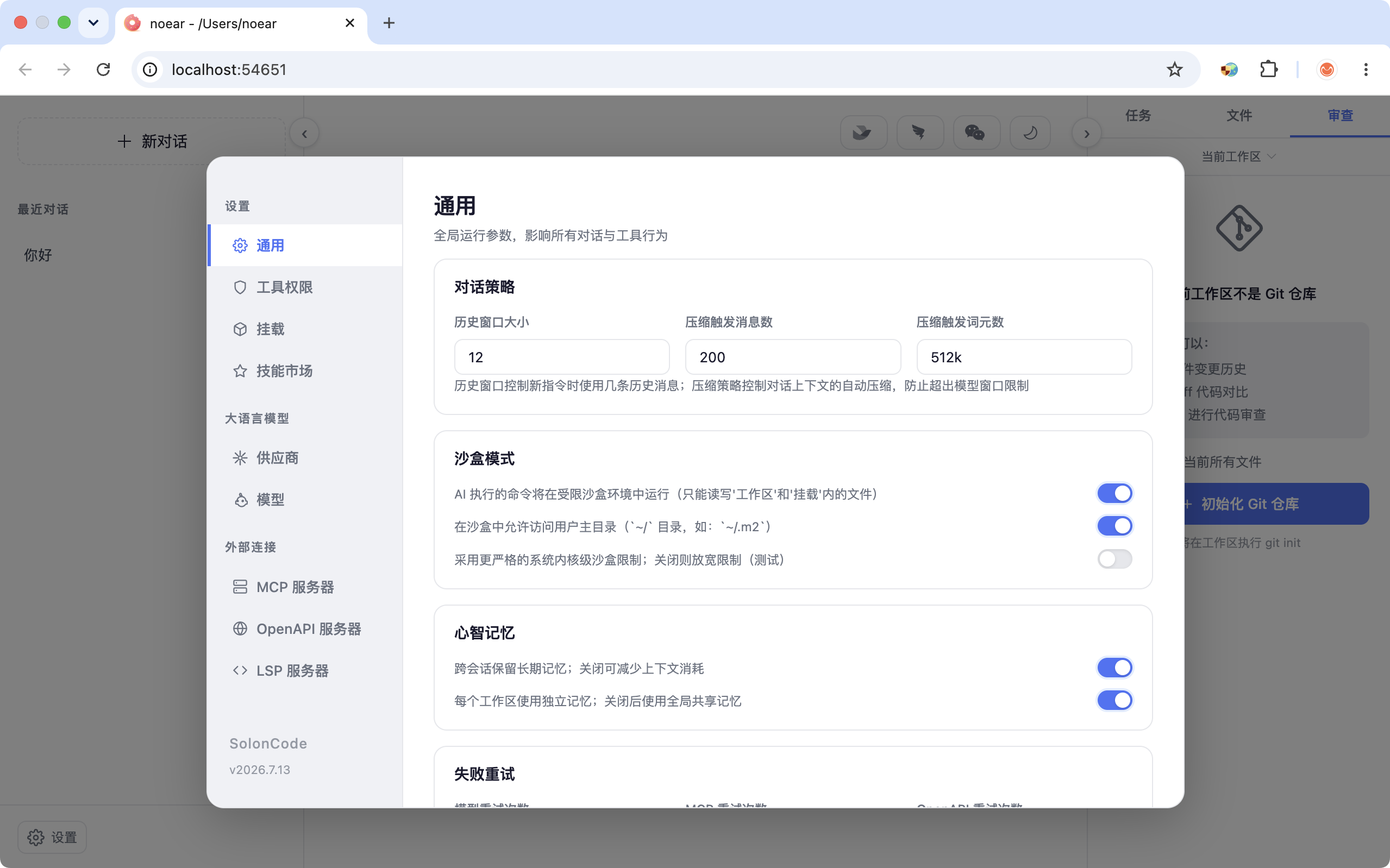
soloncode web 0
打开浏览器后进入“设置 -> 大语言模型”,添加模型并测试连接。推荐新用户优先使用这种方式。

6、快速验证
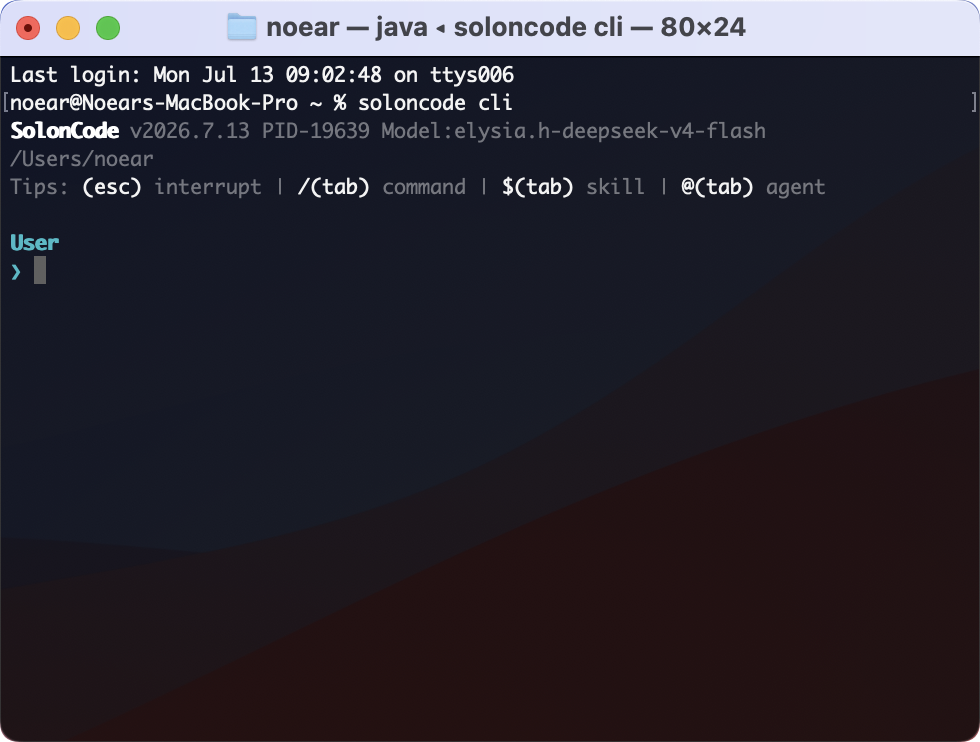
soloncode cli
进入 CLI 后可以输入:
你好啊
也可以启动 Web:
soloncode web        # 默认端口 4808
soloncode web 0      # 自动选择可用端口
soloncode web 1212   # 指定端口
运行:soloncode cli(cli 交互) | 运行 soloncode web 0(web 交互) |
|---|---|
 |  |
7、如何卸载
Mac / Linux:
sh ~/.soloncode/bin/uninstall.sh
Windows (PowerShell):
& "$HOME/.soloncode/bin/uninstall.ps1"
8、常见问题
| 问题 | 建议 |
|---|---|
soloncode 命令找不到 | 重新安装。或检查安装脚本是否已写入 PATH |
| 模型连接失败 | 检查 apiUrl、apiKey、模型名与网络代理 |
| Web 端口被占用 | 使用 soloncode web 0 或指定其他端口 |